
 #065
Toto video a jeho text jsou v angličtině.
Gradient clipping: a leash for the one step that would wreck training
One oversized training step can undo a lot of progress. Gradient clipping caps the size of each correction but keeps its direction. Here is how, in plain words.
Podrobně
What gradient clipping is
An AI model learns by taking many small steps. At each step it works out a correction for every internal setting: a long list of numbers saying which way each setting should move, and how strongly. That list is called the gradient, and you can picture it as an arrow. It points in a direction and it has a length.
Gradient clipping sets a maximum length for that arrow. If the arrow is longer than the limit, it is shrunk down to exactly the limit. If it is shorter, nothing happens at all.
The shrinking is done by multiplying every number in the list by the same factor (halving them all, say), so the arrow still points the same way. The step keeps its direction and only loses its excess size.
What the video shows
Sometimes one training step comes out huge and wipes out progress. The video shows gradient clipping capping how big a step can be while keeping its direction, like a leash. Think of a dog on a leash: it can walk wherever it likes, and the leash only matters when it bolts.
An everyday example
Imagine a rental van with a speed limiter set to 120 km/h. On a normal drive you never notice it. If the driver suddenly floors the pedal, the van still goes wherever it is steered, just not faster than 120. Clipping works the same way: ordinary steps pass untouched, and only the rare runaway step is held back.
How to spot the problem it solves
The symptom shows up on the loss curve, the line that tracks how wrong the model is as it trains. The line falls nicely, then suddenly shoots up to a huge value. There are two usual suspects:
- The step size is set too high. Training has a setting, the learning rate, that controls how far each step goes. Set it too high and an occasional step overshoots badly.
- One bad batch. A batch is the small group of examples the model looks at in one step. An unusual group can produce an enormous correction.
The diagnostic table in the course lists clipping as the first thing to try for this symptom, together with recording the loss of every single batch so you can find the outlier. The two work as a pair: clipping limits the damage, and the per-batch record helps you find what caused it.
How it is used
In code, clipping is a single line placed just before each update. You choose the limit once, and from then on any step whose arrow is longer gets scaled back to it. According to the course, that one line turns the sudden-jump failure into a non-event. It sits alongside other simple stabilisers in the same chapter, such as starting training with small steps and growing them.
Why it matters
A single runaway step can undo a lot of careful progress in one move. Clipping is cheap insurance against that. It costs one line, it leaves every step below the limit exactly as it was, and it only acts in the moment it is needed. For anyone training a model, it is one of the easiest ways to make a run less fragile.
Learn it step by step in Chapter 6 of our free course AI From Scratch: Getting It to Train, and Getting It to Generalise.
Také na
Další z této kapitoly
- #065
 #066
Weight initialization: the starting numbers that decide if AI learns
 #067
Batch normalization: the AI layer that grades on a curve
 #068
Layer normalization: why chatbots steady each input on its own
 #069
Ablation: change one thing at a time to find what really works
 #070
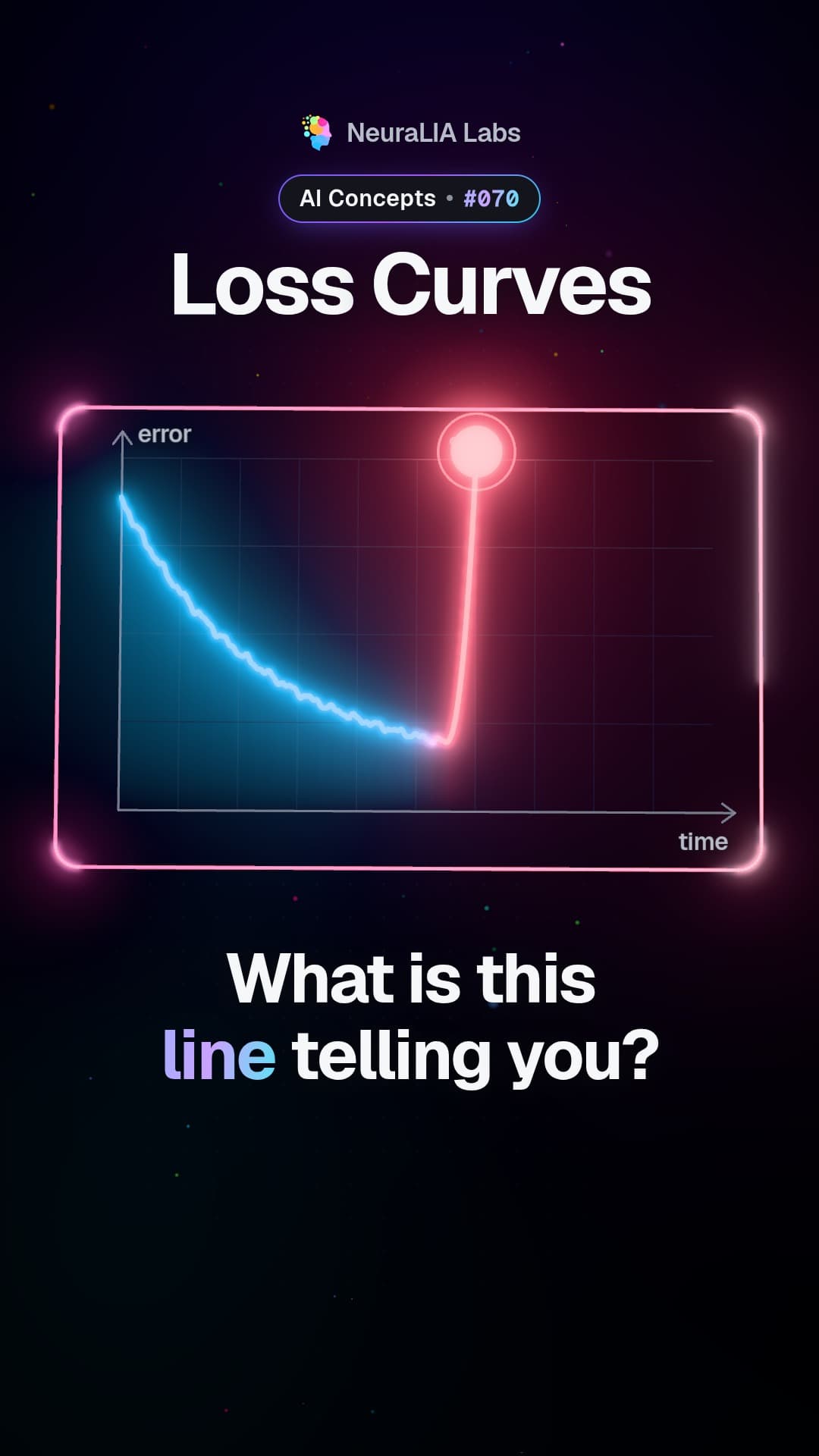
Loss curves: what the shape of a training line tells you
Text napsaný s pomocí AI podle kapitoly 6 našeho bezplatného kurzu.