
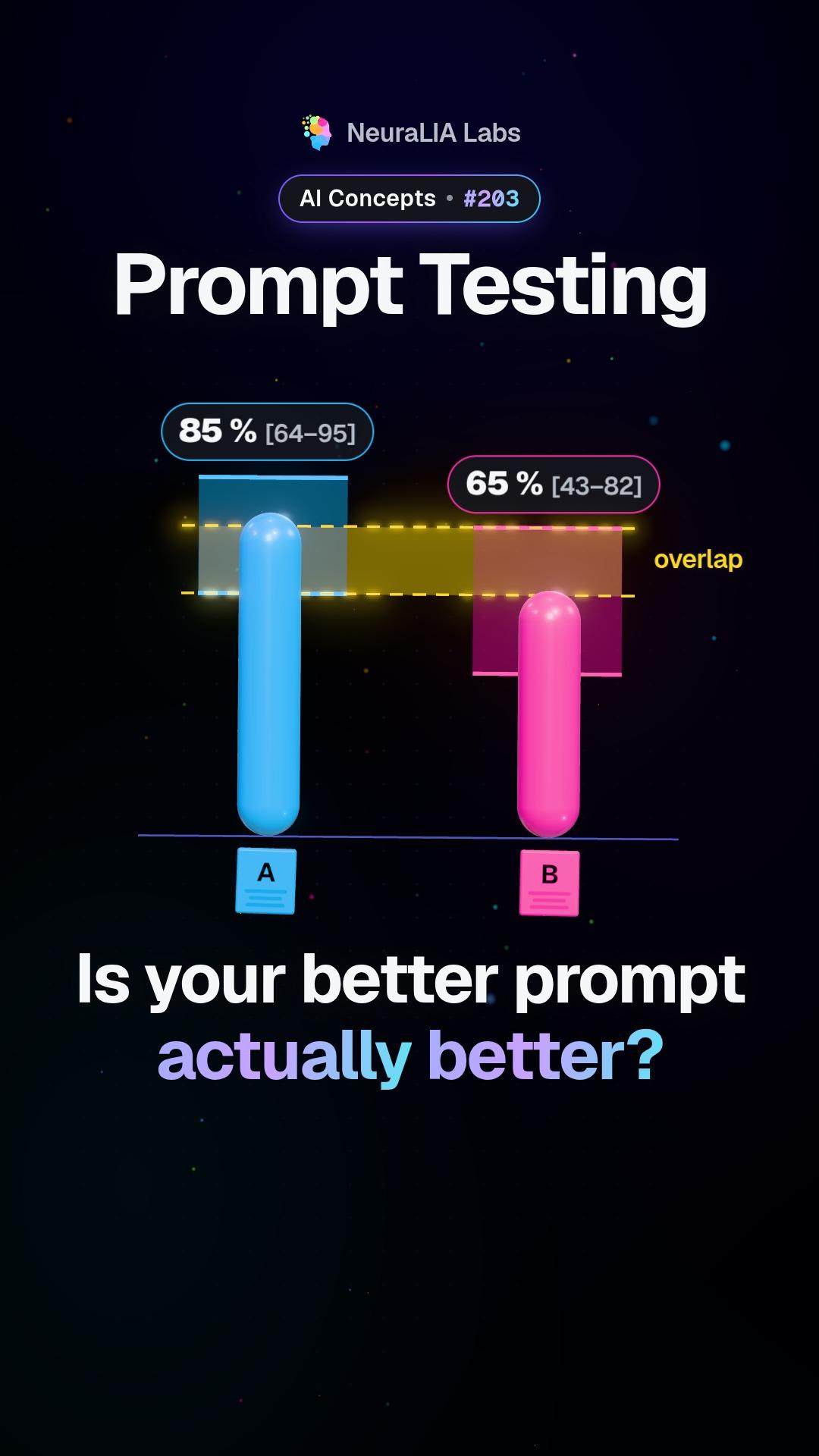
 #203
Dieses Video und der Text sind auf Englisch.
DSPy: describe the task and let a tool write the prompts
DSPy builds prompts automatically from a description of each step and a score, so switching AI models means rebuilding, not rewriting. Here it is in plain words.
Im Detail
What DSPy is
DSPy is a framework, a ready-made toolkit for programmers, that changes who writes the prompt. Normally a person hand-crafts the text sent to an AI model and tweaks it until it seems to work. With DSPy you describe each step of your system instead: what it receives and what it should hand back. You also say how results should be scored. DSPy then builds the prompts for you, choosing which worked examples (sample inputs shown with their correct answers) to show the model and adjusting the instructions to push your score up.
What the video shows
The video starts from a simple question: what if you stopped hand-writing prompts? You describe what each step takes and returns, a tool builds the prompts and picks examples that raise your score, and when you switch to a different AI model you just rebuild.
An everyday example
Think of a satnav. You do not write out every turn yourself. You give it a starting point, a destination and what "best" means to you: fastest, shortest, no tolls. It works out the route, and if a road closes, it recalculates. DSPy treats prompts in a similar way. The description of the job and the way you score it are what you own. The exact wording is worked out for you, and worked out again when something changes, such as the model underneath.
How it works, step by step
Imagine a support team that wants AI to send incoming tickets to the right department. With DSPy the work could look like this:
- Describe the steps. Step one takes a ticket and returns a short summary. Step two takes that summary and returns a department name. A chain of steps like this is called a pipeline.
- Collect examples with answers. A set of past tickets whose correct department is known.
- Pick the score. Here, the share of tickets that land in the right department. This number is your metric.
- Compile. DSPy tries different instructions and different worked examples for each step and keeps what scores best. "Compile" just means turning your description into working prompts automatically.
When you switch to a new model, you run the compile step again instead of rewriting every prompt by hand.
Hand-written prompts vs DSPy
| | Hand-written prompt | DSPy | |---|---|---| | What you edit | The prompt text itself | The step descriptions and the score | | Who picks the examples | You, by feel | The tool, by testing them | | A new model arrives | Rewrite and re-check by hand | Rebuild the prompts |
What it does not do
DSPy does not free you from testing. The whole method runs on your score and your examples. A tool that optimises with no score has nothing to aim at, and a tool given a poor score will chase the wrong thing. So the set of test cases matters more with DSPy, not less.
Why it matters
The course calls this the more useful idea for a real product. The prompt stops being a piece of text someone tunes by hand and starts being a result, generated from a clear description and checked against a measurement. Switching models becomes a rebuild rather than a rewrite, and the effort goes into the part that lasts: a clear task and a fair score. It takes the idea of automatic prompt search a step further, from a single instruction to a whole multi-step system.
Learn it step by step in Chapter 15 of our free course AI From Scratch: Prompt Engineering, Measured: What Changes the Output.
Auch auf
Mehr aus diesem Kapitel
- #203
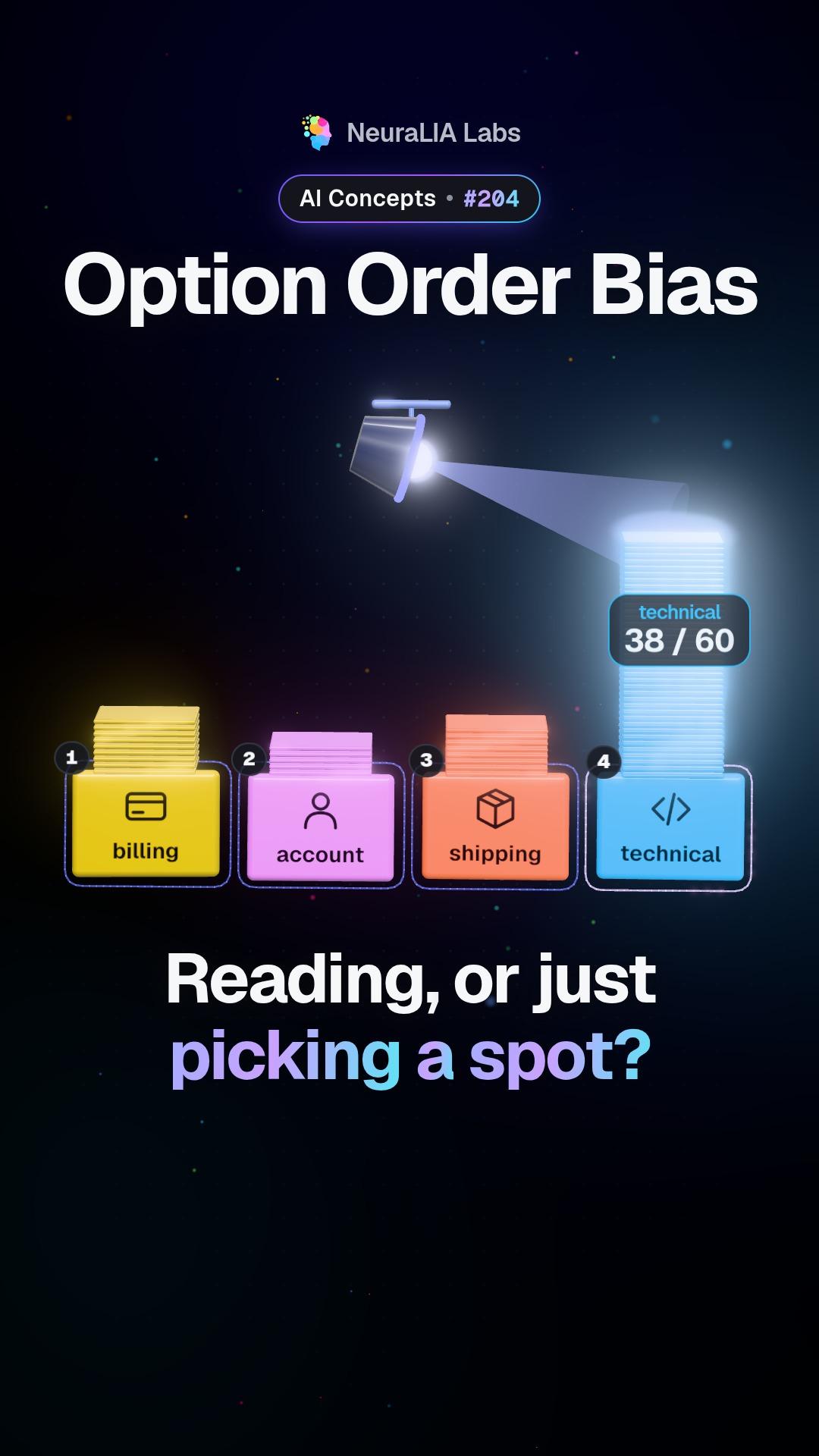 #204
Option order bias: when an AI picks a position, not an answer
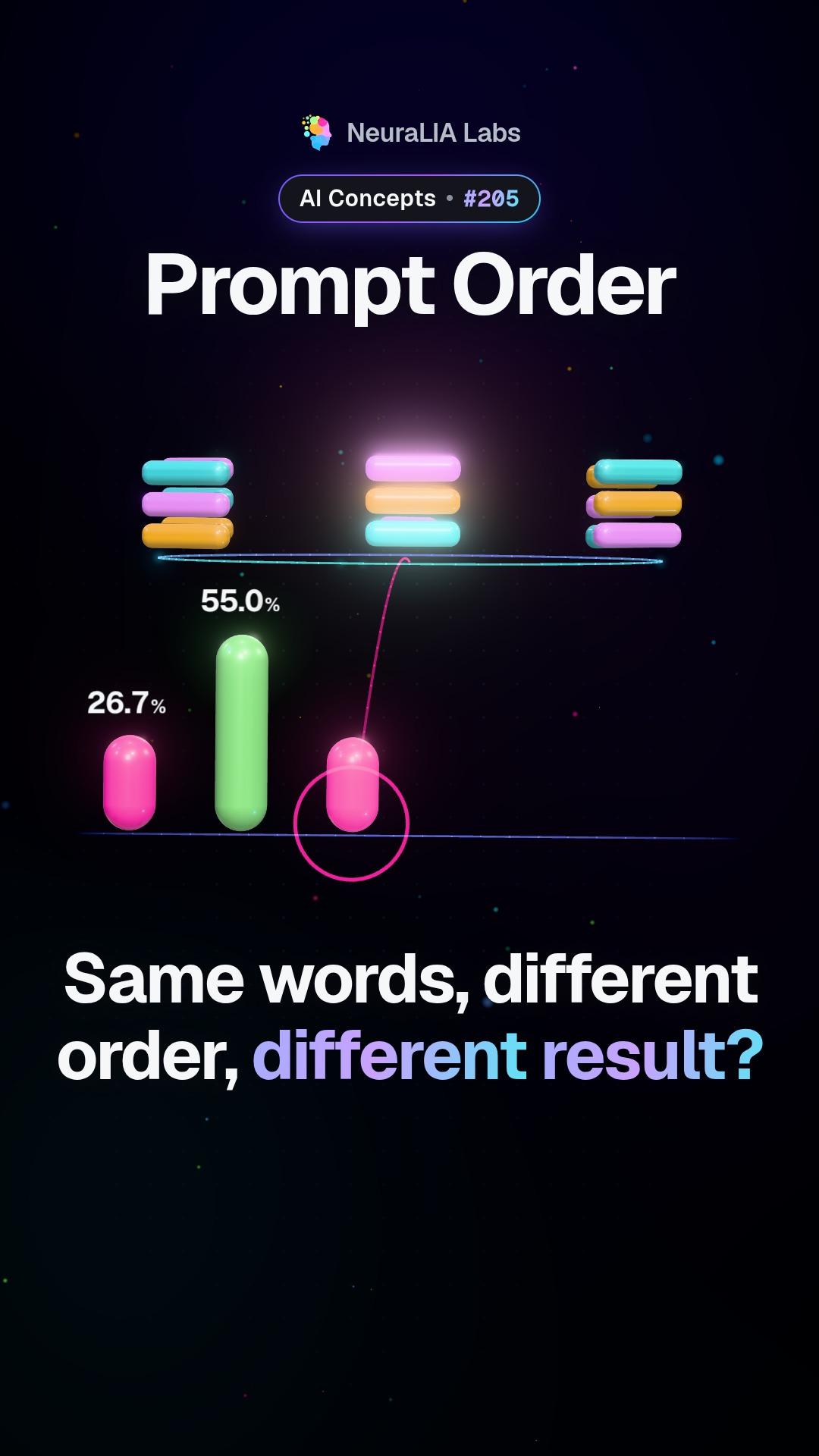 #205
Prompt order: the same words, rearranged, can double AI accuracy
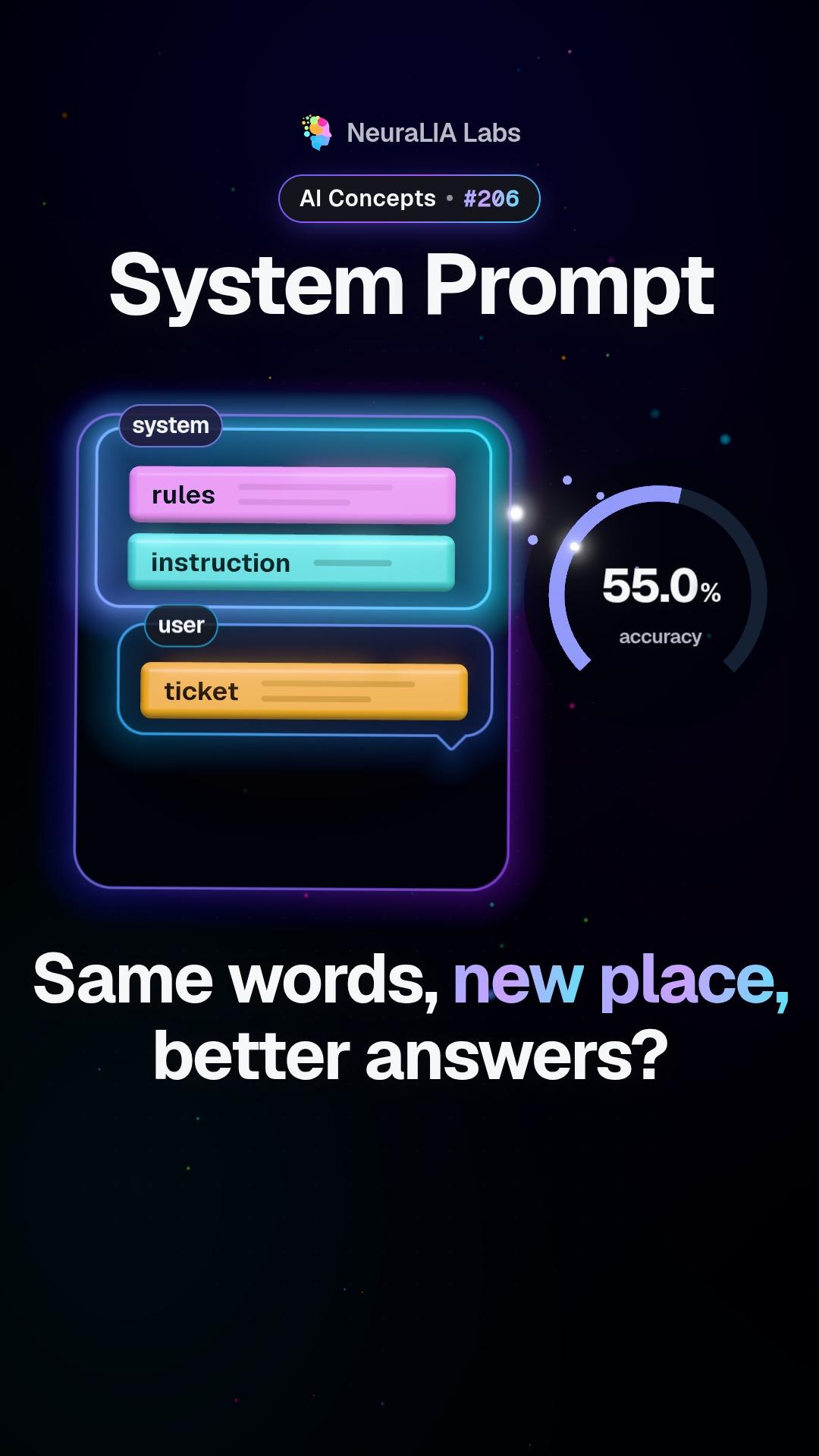 #206
System prompt: why where you put AI instructions changes results
 #207
Prompt formatting: how quotes and tags quietly shift AI accuracy
 #208
Few-shot prompting: how many examples an AI prompt really needs
Text mit AI-Unterstützung aus Kapitel 15 unseres kostenlosen Kurses geschrieben.