
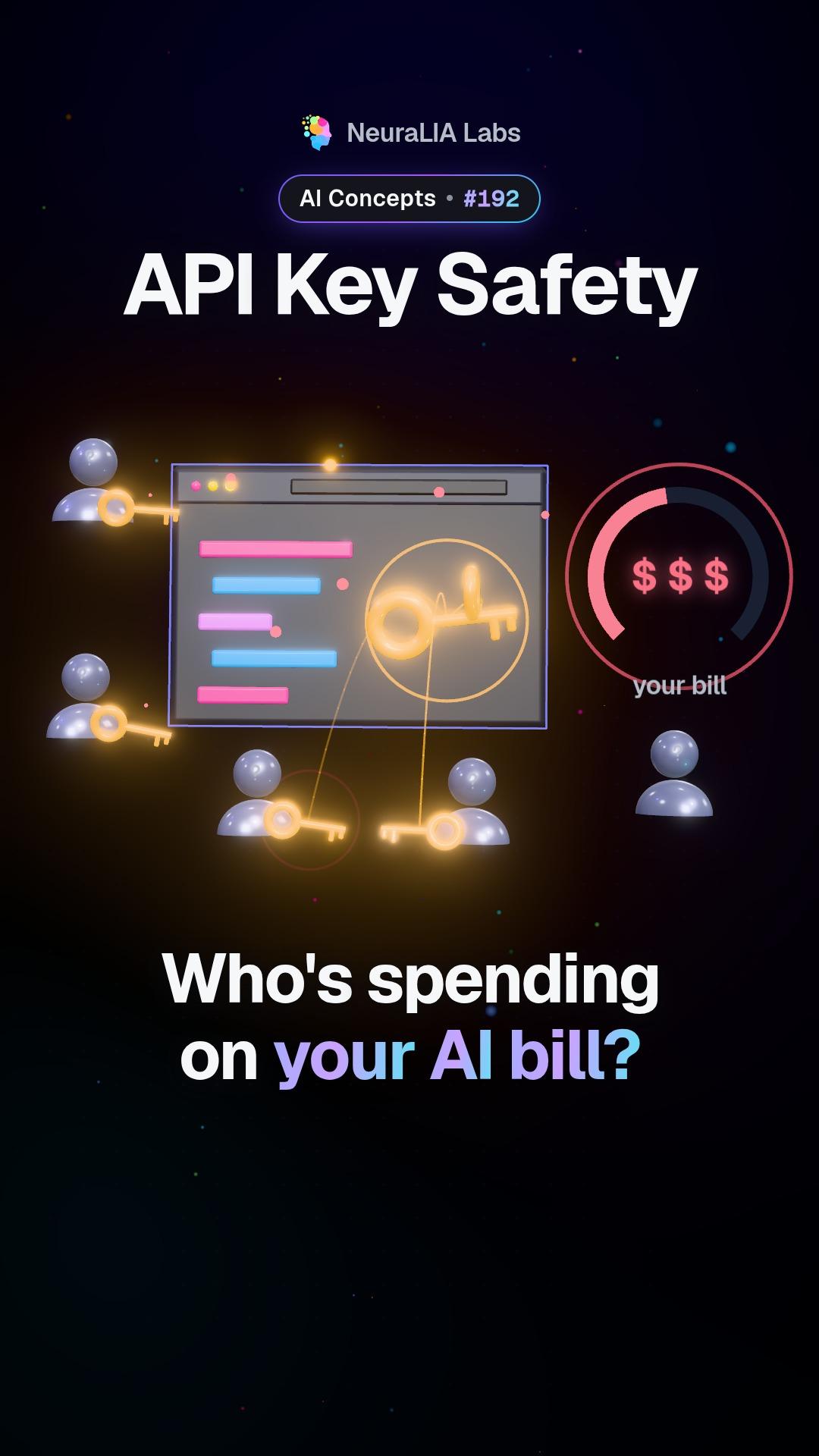
 #192
วิดีโอนี้และข้อความประกอบเป็นภาษาอังกฤษ
Timeouts: why every AI request needs a deadline you choose
A silent AI server can freeze an app for five minutes and end in a vague error. Here is why every request needs its own deadline, and how the Stop button fits in.
รายละเอียด
What a timeout is
A timeout is the longest your app is willing to wait for an answer before it gives up. If you never set one, you are not waiting "as long as it takes". You are waiting as long as some hidden default allows, and that default was picked by someone who never saw your app or your users.
What the video shows
The video shows an AI server that accepts the connection and then goes completely silent. No answer, no error, nothing. An app with no time limit of its own just hangs, for about five minutes. The lesson it ends on: give every request a deadline you choose, and when that deadline passes, fail with a clear message.
An everyday example
Imagine calling a helpline. Someone picks up, and then there is silence. No voice, no hold music, no dial tone. Most people hang up after a short while and try another way. Now imagine a phone that will not let you hang up for five minutes, and then only shows "call failed". That is an app with no timeout.
Why this happens in real systems
It sounds rare, but it is not. A server can look "on" at the front door while the program behind it has crashed. A typical case is a load balancer, the traffic router that sits in front of a group of servers. It can keep accepting connections even after the program it passes them to has died.
The course recreated exactly this with a test server that never replies, and sent it two requests:
| Request | Gave up after | What the error said | |---|---|---| | With a 5-second deadline | 5.0 seconds | A clear "timed out" error | | With no deadline | 300.8 seconds | A vague "fetch failed" |
The five minutes came from a built-in default of Node.js, the program running the app. For a general tool that fetches web pages, that number is reasonable. For a person waiting on a screen, it is terrible. Every programming environment has some default like this, and most developers never look up what theirs is. The reliable way to find out is to point your app at a server that hangs on purpose and time it.
How to set it
- Every outgoing request gets an explicit deadline. Choose it for the job. The course's example uses 20 seconds for a call to an AI model.
- Make the failure readable. A named timeout error tells you what went wrong. "Fetch failed" tells you almost nothing.
- Let the Stop button use the same mechanism. When a user cancels, the app cuts the request off in the same way a timeout does. Combine the two and record which one fired, so you can tell impatience from a broken server.
Streamed answers, which arrive a few words at a time, need a second kind of timer on top of this one: that is the idle timeout.
Why it matters
A request with no deadline holds a connection open, takes up a slot your app could use for someone else, and leaves a person looking at a loading spinner with no explanation. There is also a money reason. If the user walks away and the app never cancels, the AI keeps writing the answer, and that text is still billed even though nobody will ever read it.
Learn it step by step in Chapter 14 of our free course AI From Scratch: Your First Production LLM Call: Streaming, Retries, Timeouts.
มีบน
เพิ่มเติมจากบทนี้
- #192
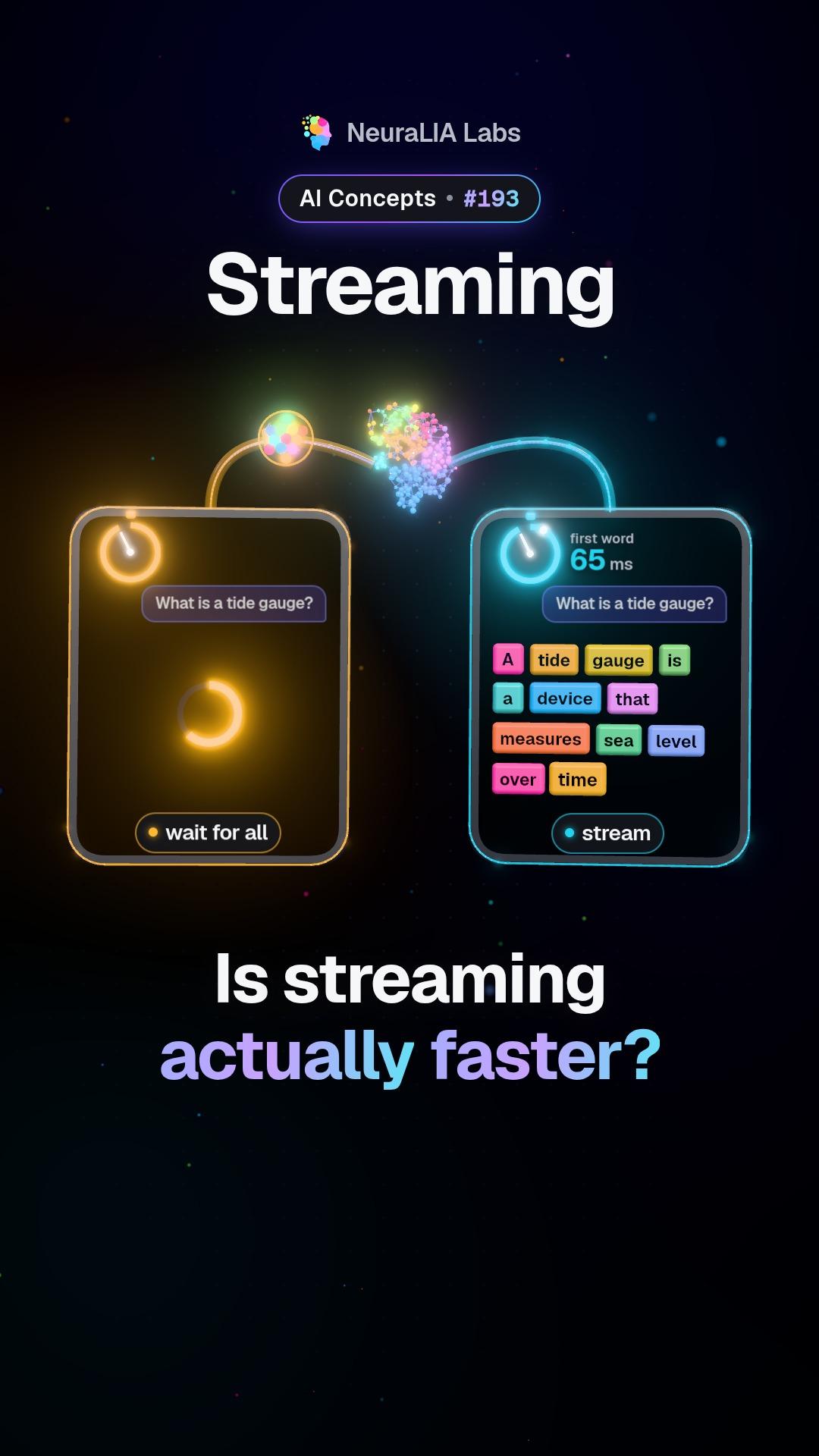 #193
Streaming: why AI answers arrive word by word, and what it really buys
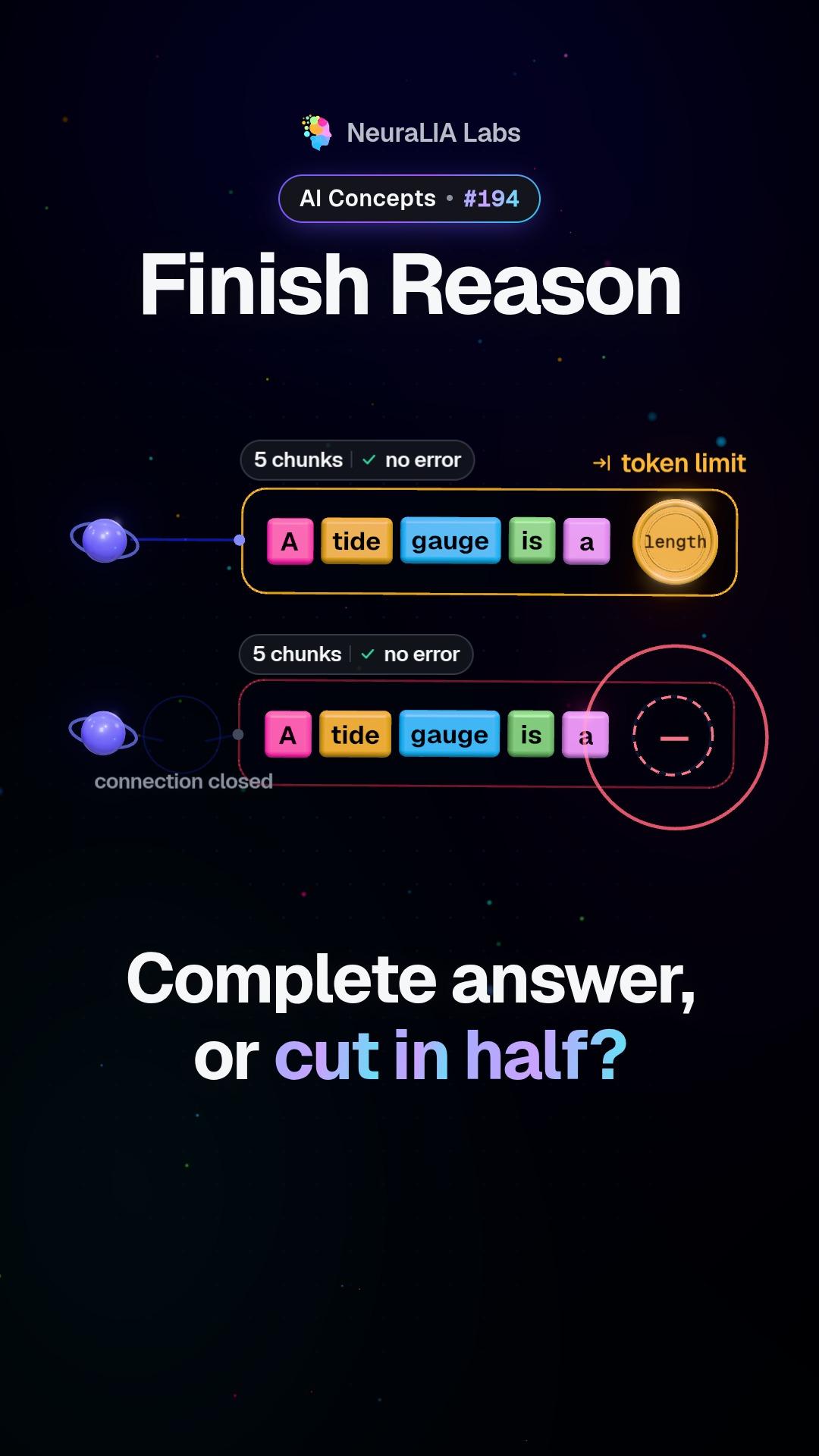 #194
Finish reason: telling a finished AI answer from a cut-off one
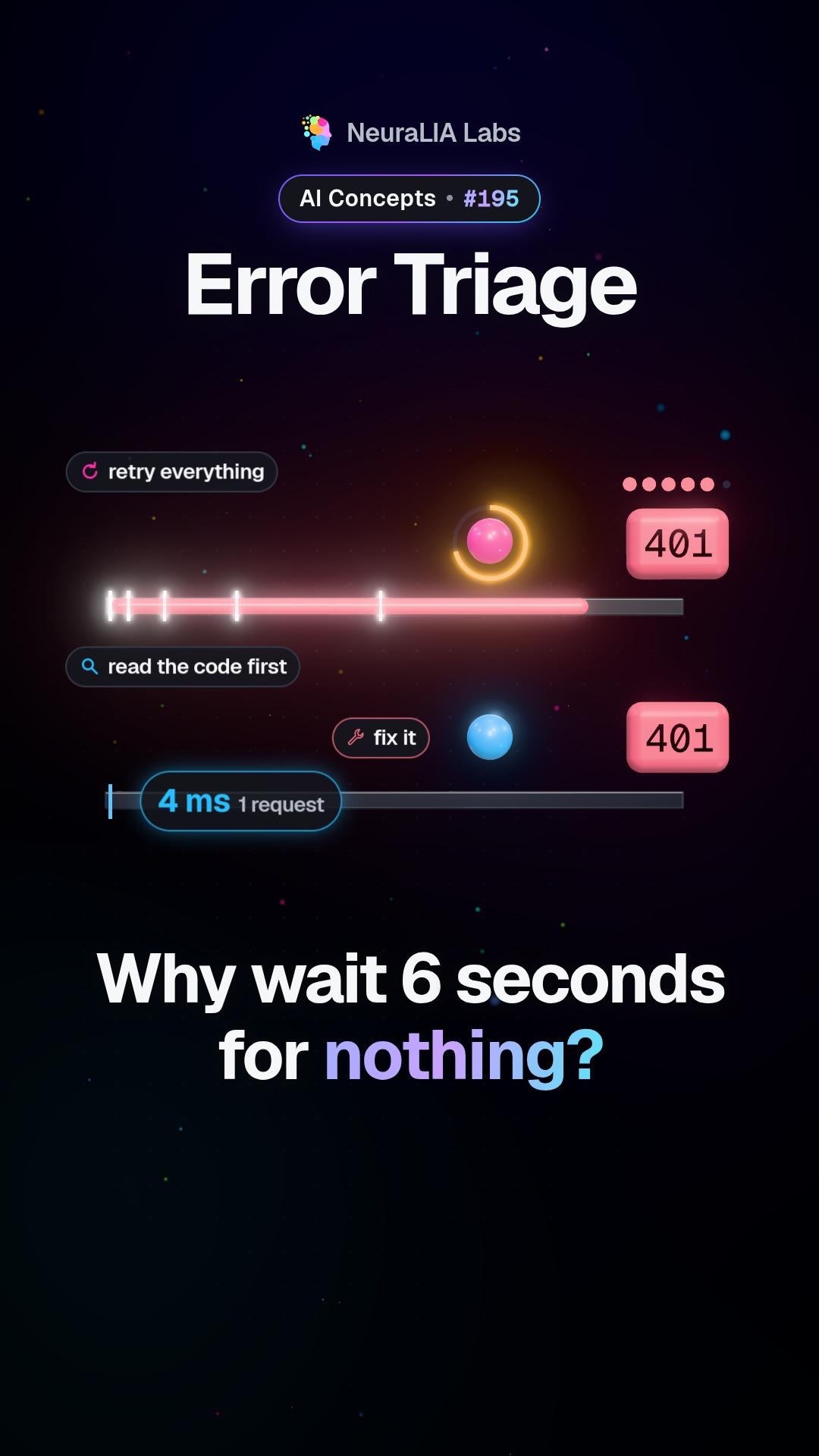 #195
Error triage: which AI errors deserve a retry and which never do
 #196
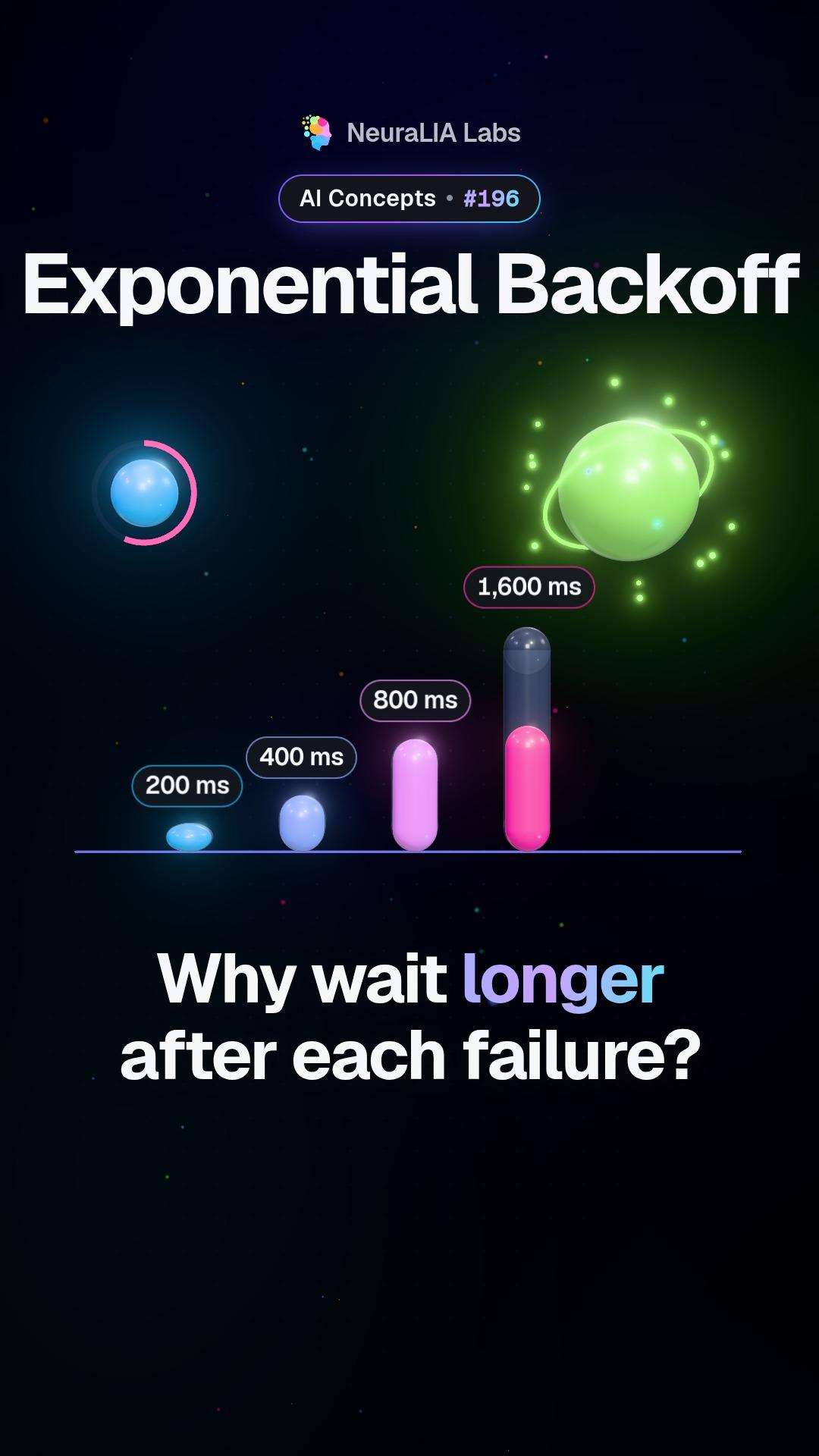
Exponential backoff: why a retry should wait twice as long each time
 #197
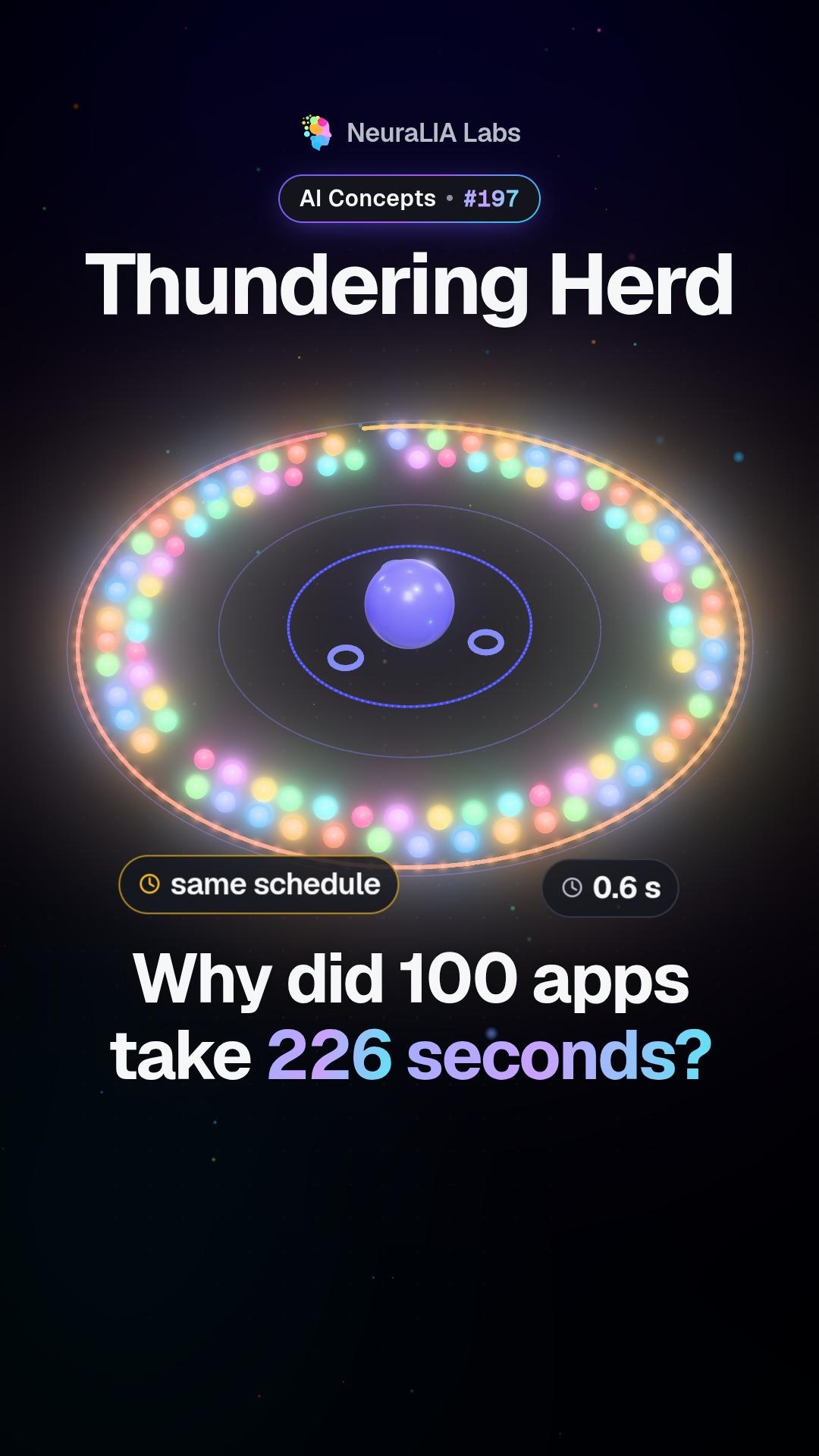
Thundering herd: when retrying apps move in lockstep and jam a server
ข้อความเขียนโดยมี AI ช่วย จากบท 14 ของคอร์สฟรีของเรา