
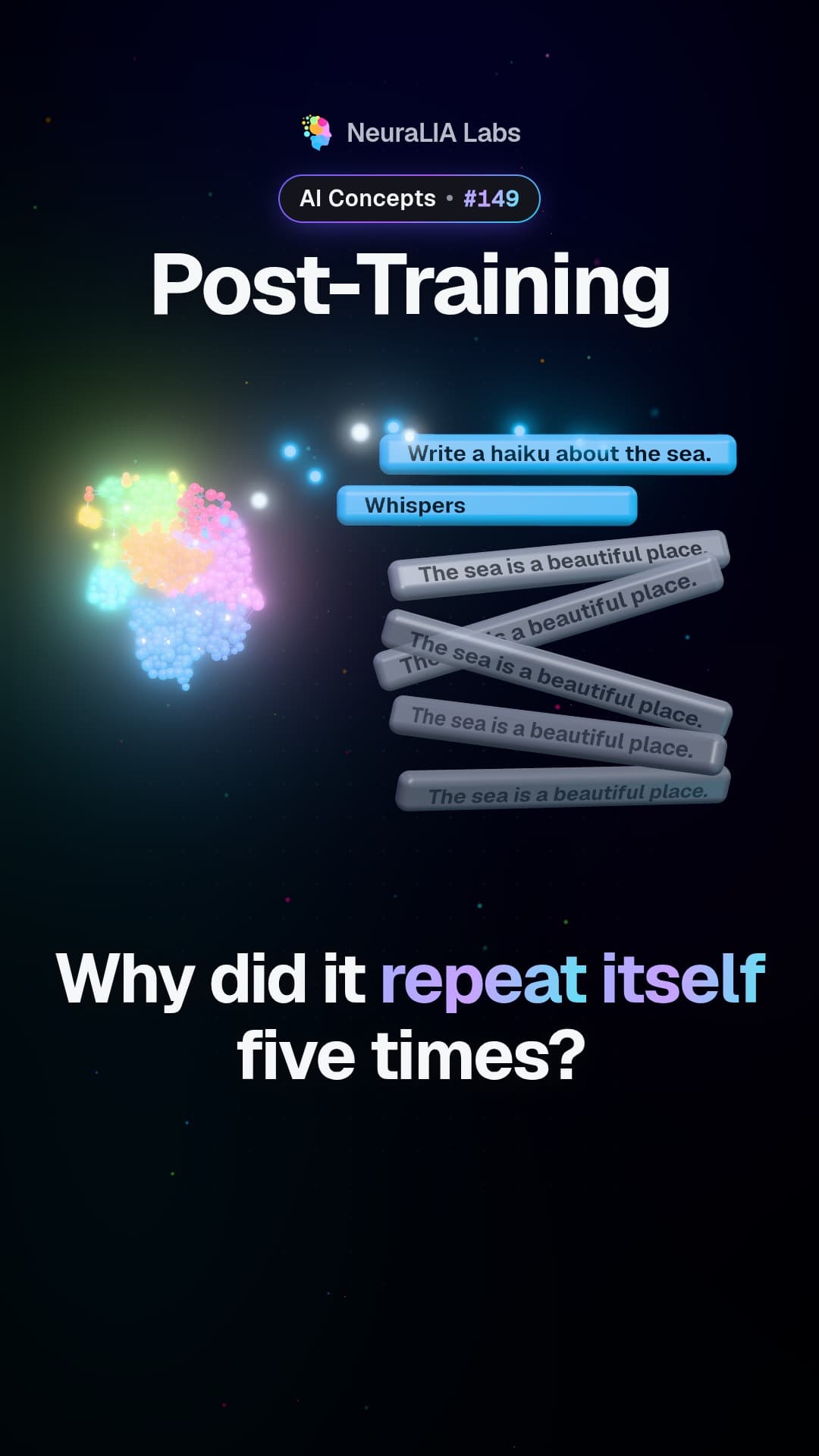
 #149
Ez a videó és a szövege angol nyelvű.
QLoRA: shrink the frozen model, then fine-tune it on less hardware
QLoRA stores a frozen AI model in just 4 bits per number and trains only a small add-on on top, so bigger models can be customized on modest hardware.
Részletesen
What QLoRA is
QLoRA is a way to customize a big AI model when memory is tight. It stacks two ideas. The first is LoRA: keep the original model frozen and train only a small add-on beside it. The second is quantization: storing each of the model's numbers in a compact, rounded-off form so that it takes up less space. In QLoRA, the frozen model is kept in just 4 bits per number, and the small add-on is trained on top of it.
What the video shows
The video sums it up in six words: squeeze the model, then customize it. Customizing a big AI needs lots of memory, so this method keeps the frozen model in a compact form and trains only a tiny add-on. That lets the whole job fit on far less hardware.
What "4 bits" means
A bit is a single 0 or 1. With 4 bits you can write only 16 different patterns, so every number in the frozen model has to be rounded to one of 16 possible levels. That is coarse, but it is also small. If each number had been stored in 16 bits before, dropping to 4 bits makes the frozen model roughly a quarter of the size.
An everyday example
Imagine a detailed photo with millions of shades, turned into a paint-by-numbers copy that uses only 16 colors. The copy takes far less space and is still clearly the same picture, though some fine shading is gone.
Now imagine you are not repainting that picture at all. You only draw a few new lines on a clear plastic sheet laid over it. The 16-color copy underneath is the frozen, compressed model. The clear sheet is the small add-on, and it is the only part that gets changed.
How it works
- Start from a big trained model. This is the part you will not change.
- Compress it. Round each of its numbers to a 4-bit value, using a 4-bit format called NF4. This compressed copy is frozen and never trained.
- Attach the add-on. Place LoRA's small trainable pieces next to it.
- Train only the add-on. The compressed model still does its work on every example, but only the add-on learns from your data.
Two savings stack up here. LoRA already avoids keeping training notes for the frozen numbers, because only the small add-on is trained. QLoRA then shrinks the frozen numbers themselves. Together, that is what lets people fine-tune bigger models on modest hardware.
The honest trade-off
Rounding always throws away some detail, just as the 16-color copy loses some shading. How much that costs a real model is something to measure, not take on faith. The course presents QLoRA purely as a technique at this point, and it measures the NF4 format itself later, in Chapter 13, on making AI models cheaper to run.
There is also a question QLoRA cannot answer for you. It makes fine-tuning cheaper; it does not tell you whether fine-tuning is worth doing for your problem in the first place. The course keeps that decision for a later chapter.
Why it matters
Memory is often the wall that stops people from adapting a large model. By squeezing the part that never changes and training only a small add-on, QLoRA moves that wall, so a bigger model becomes something you can customize on modest hardware.
Learn it step by step in Chapter 11 of our free course AI From Scratch: From Base Model to Assistant: SFT, RLHF, DPO and GRPO.
Itt is
Továbbiak ebből a fejezetből
- #149
 #150
Supervised fine-tuning: teaching an AI what an answer looks like
 #151
Chat templates: the hidden markers that tell an AI whose turn it is
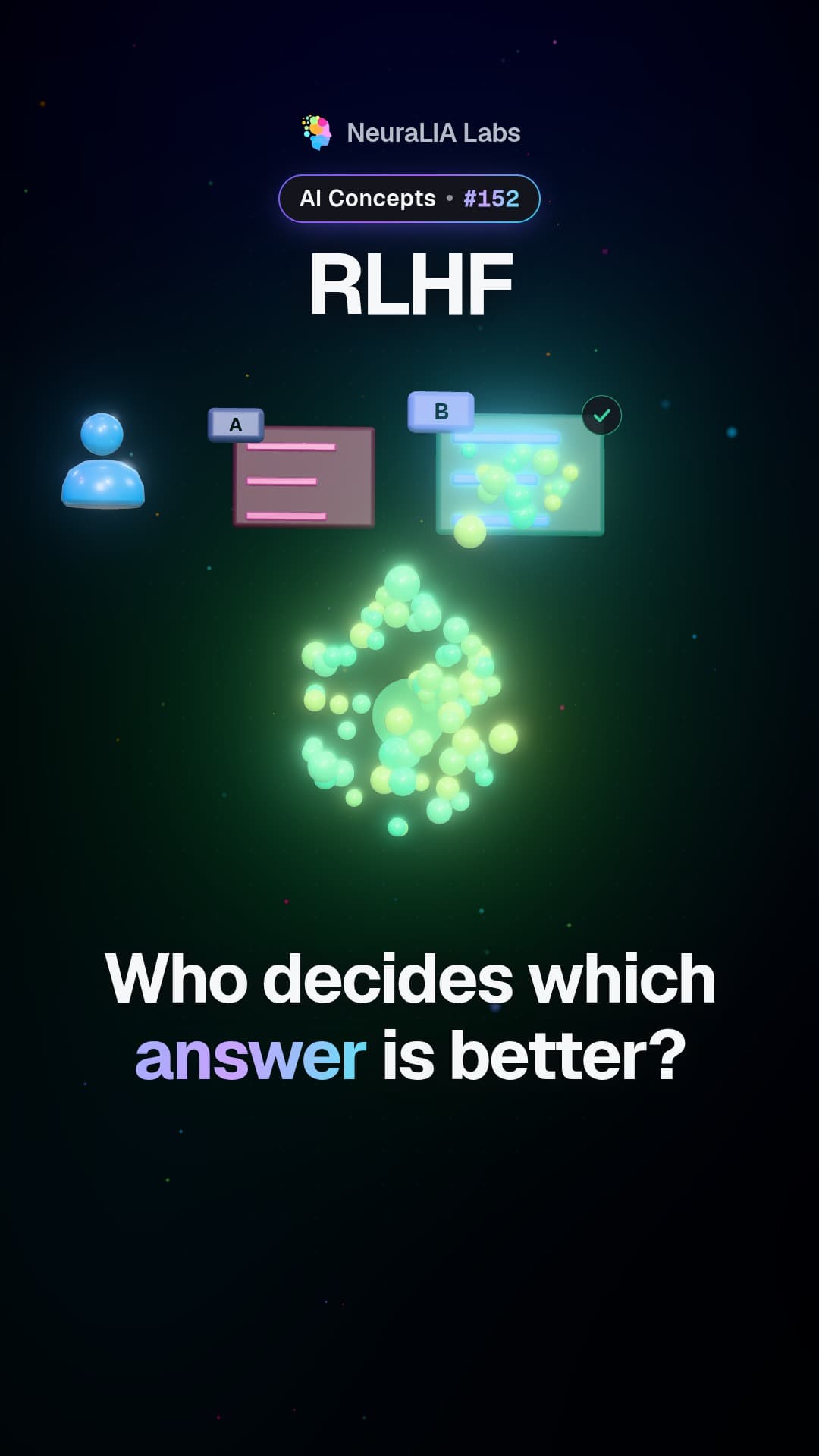 #152
RLHF: why people pick the better answer instead of writing it
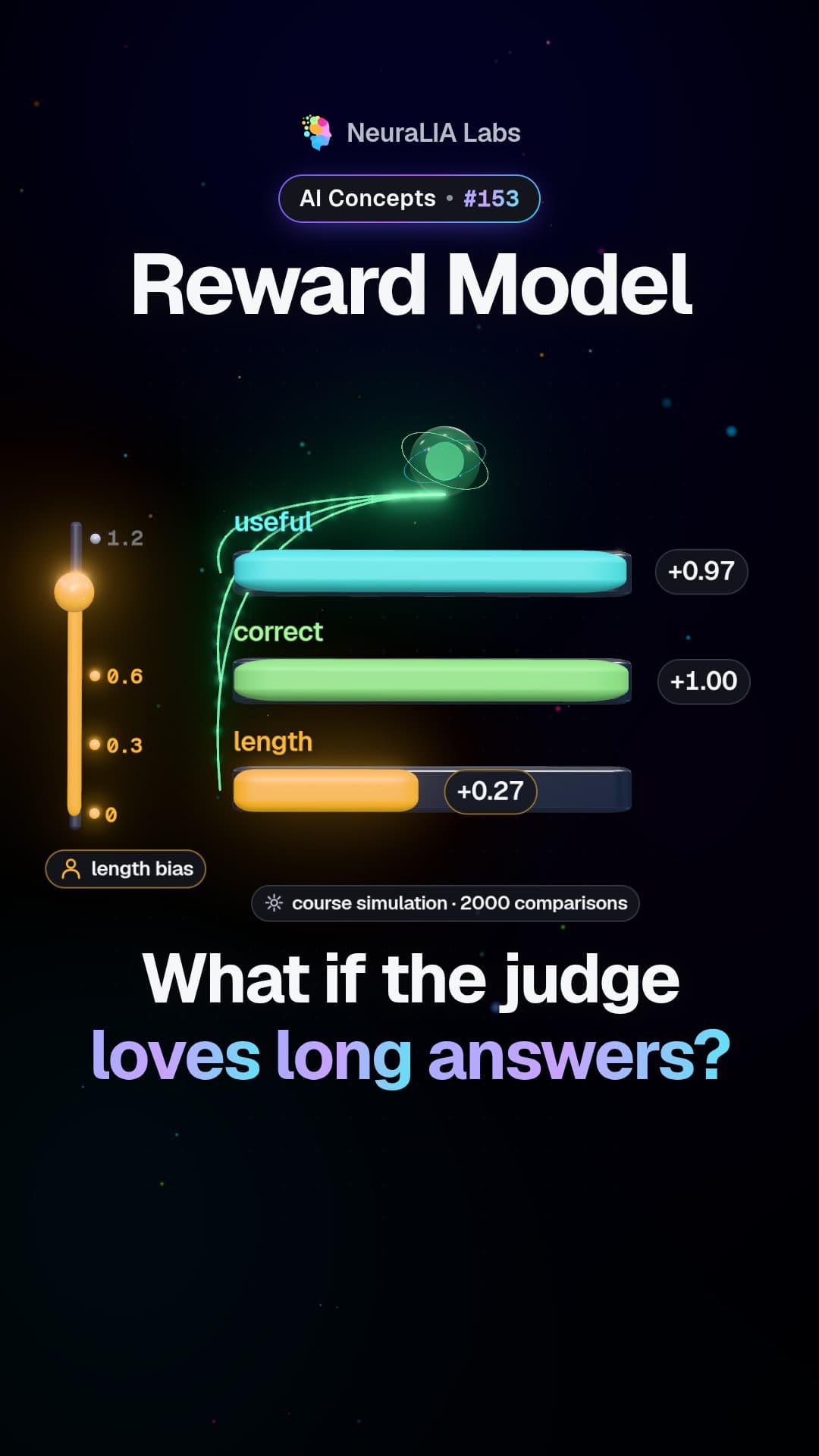 #153
Reward model: the AI judge that learns our tastes, biases included
 #154
Advantage: how AI training learns from better-than-expected answers
A szöveg AI-segítséggel készült az ingyenes kurzusunk 11. fejezete alapján.