
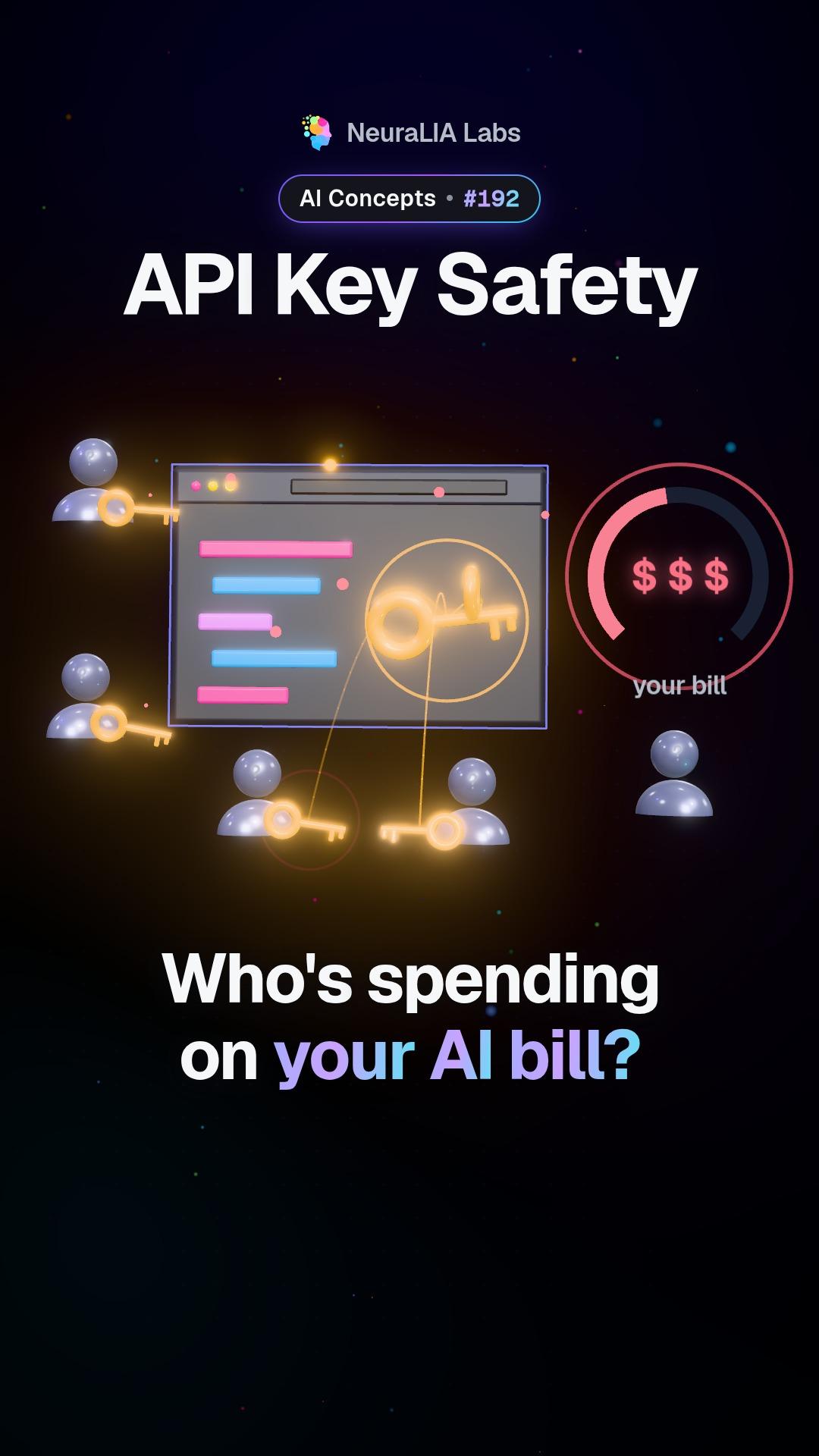
 #192
هذا الفيديو ونصه باللغة الإنجليزية.
Idle timeout: how to tell a long AI answer from a frozen one
Streamed AI answers can freeze halfway while the connection still looks fine. An idle timeout watches the silence, not the total time. Here is how it works.
بالتفصيل
What an idle timeout is
Many AI apps show the answer while it is still being written, a few words at a time. That is called streaming. An idle timeout is a timer built for that situation. It starts over every time a new piece of text arrives, and it only goes off when nothing at all has arrived for a while, for example fifteen seconds.
In other words, it does not measure how long the answer is taking. It measures how long it has been quiet.
What the video shows
The video shows a streamed AI answer that freezes halfway through. A single overall time limit cannot tell that frozen answer apart from a long one that is still going. The fix it shows: reset a timer with every word that arrives (in practice, with every chunk of text the service sends), and act when the silence lasts too long.
An everyday example
Imagine watching a download bar. A big file can take ten minutes and be perfectly healthy, as long as the bar keeps creeping forward. A file stuck at 43% for two minutes is a problem, even if the whole download has only taken three. You do not judge it by how long it has taken. You judge it by how long it has been since the bar last moved.
A total time limit judges by the clock on the wall. An idle timeout judges by the bar.
Two ways a streamed answer can fail
The course separates two failures that need two different timers:
- The stream never starts. You send the request and not a single piece of the answer comes back. A normal deadline fits here, somewhere between ten and thirty seconds.
- The stream starts, then stalls. Text flows for a while, then stops for good. The connection still looks healthy, so nothing raises an alarm. This is the case the idle timeout exists for.
Why not one big limit for everything? Make it short and you cut off long, perfectly good answers. Make it long and a frozen answer keeps the user waiting far longer than it should. The idle timer escapes that trade-off, because a healthy stream keeps resetting it and only a silent one lets it run out.
How it works
- The timer starts when the stream opens.
- Every time a new piece of text arrives, it goes back to zero.
- If it ever reaches its limit, say fifteen seconds of silence, the app stops waiting and treats the answer as cut short, instead of hanging on forever.
What the user then sees is a design choice worth making on purpose: the partial text clearly marked as unfinished, or a fresh attempt. Either is better than a cursor blinking forever at the end of half a sentence.
This timer does not replace the ordinary deadline that every request should have. It sits alongside it, covering the one failure that deadline cannot see.
Why it matters
Streaming makes AI feel fast, because you start reading right away. But it adds a way to fail that a plain deadline is blind to. Without an idle timeout, a frozen answer looks exactly like a slow one, and the app has no reason to give up. A small timer that listens for silence is what lets the app notice the difference and do something about it.
Learn it step by step in Chapter 14 of our free course AI From Scratch: Your First Production LLM Call: Streaming, Retries, Timeouts.
متاح أيضًا على
المزيد من هذا الفصل
- #192
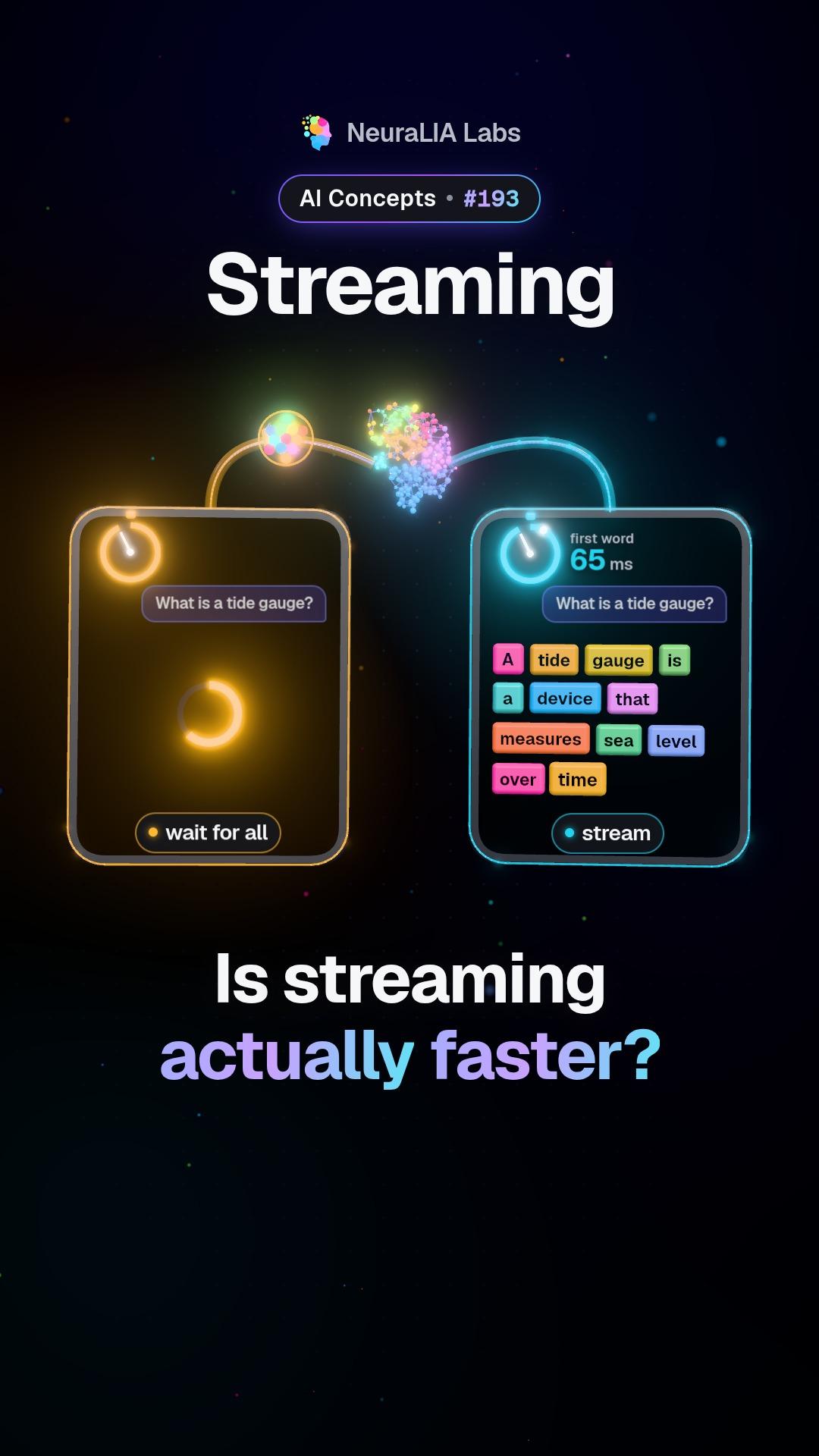 #193
Streaming: why AI answers arrive word by word, and what it really buys
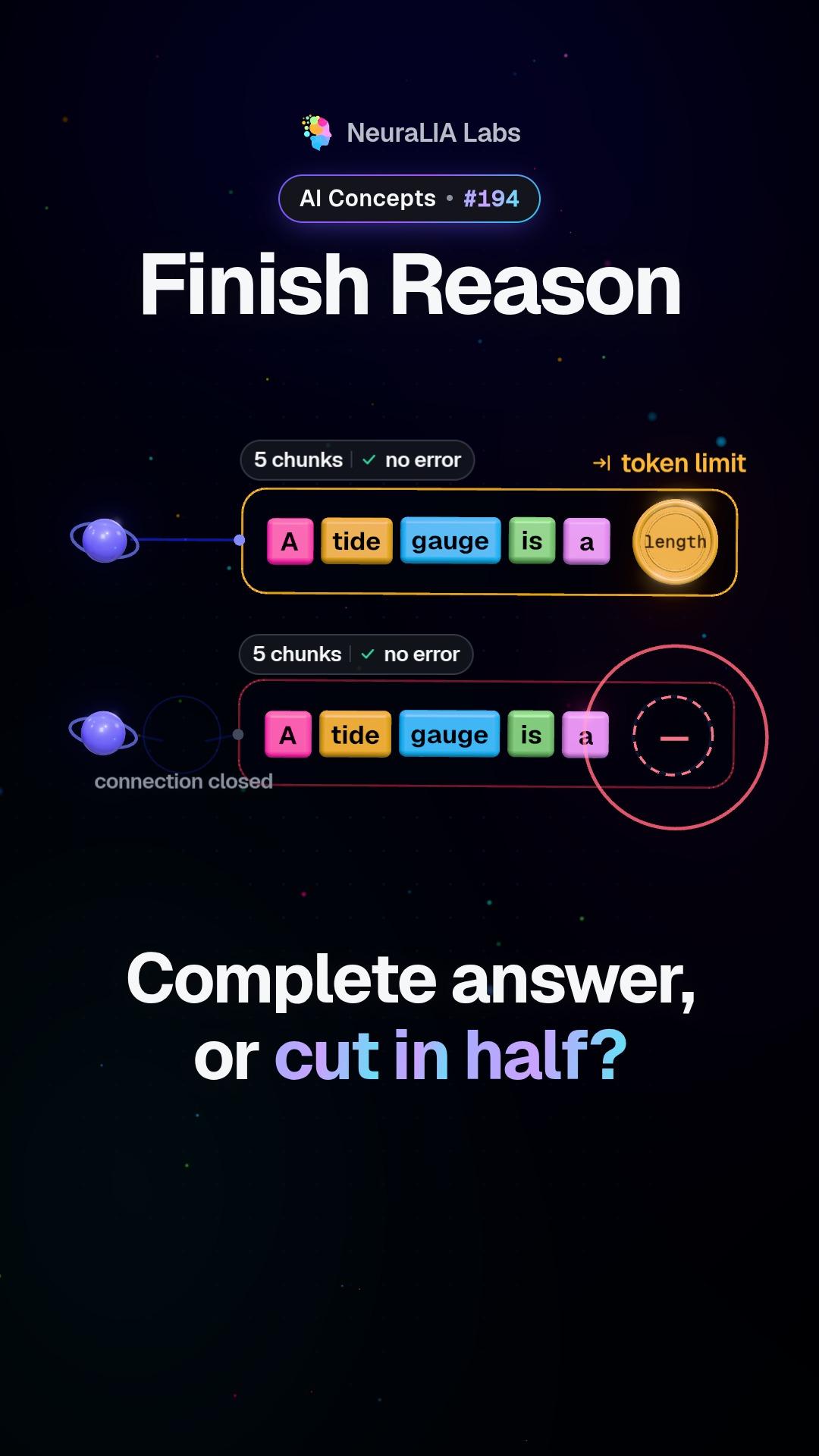 #194
Finish reason: telling a finished AI answer from a cut-off one
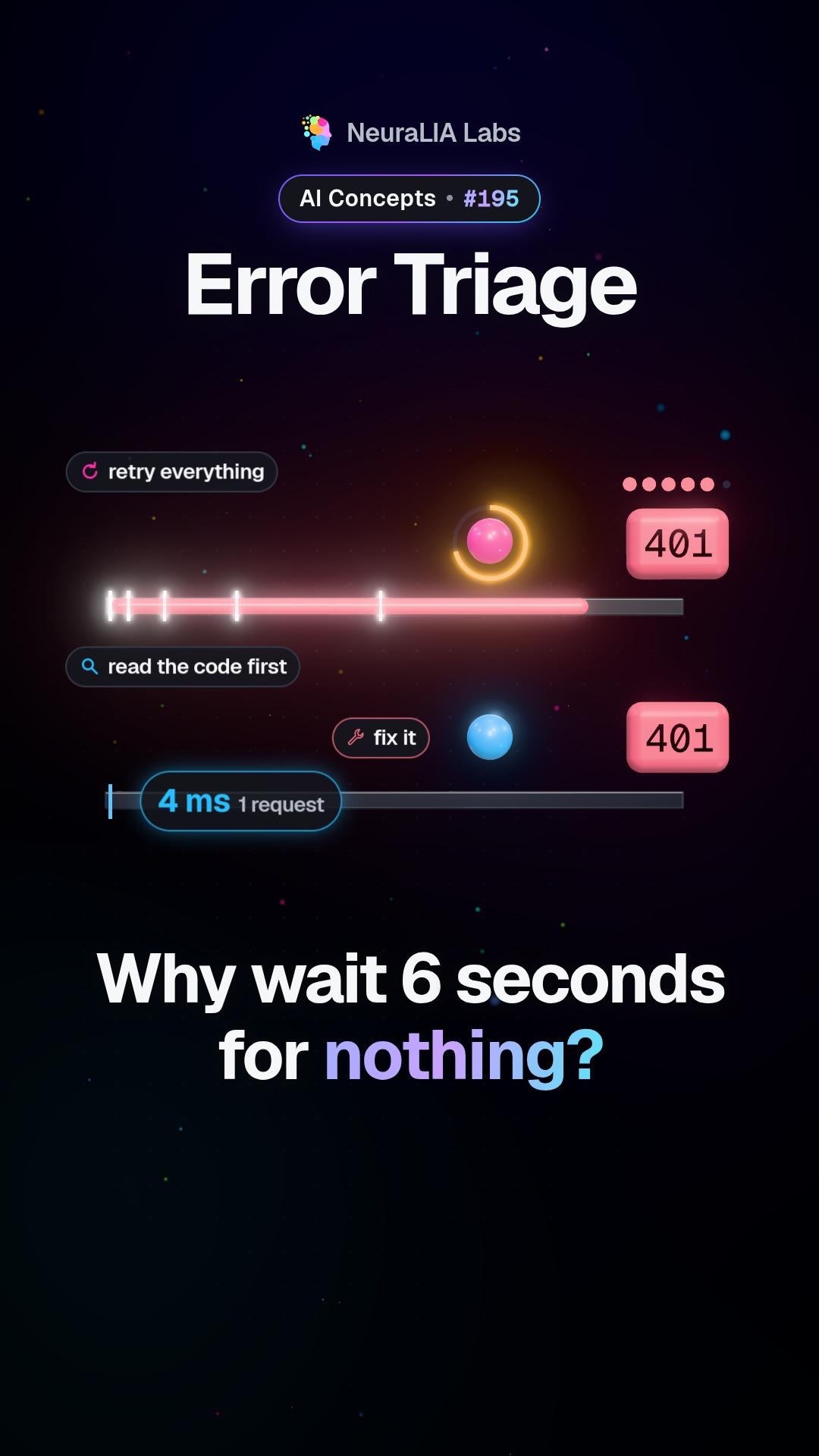 #195
Error triage: which AI errors deserve a retry and which never do
 #196
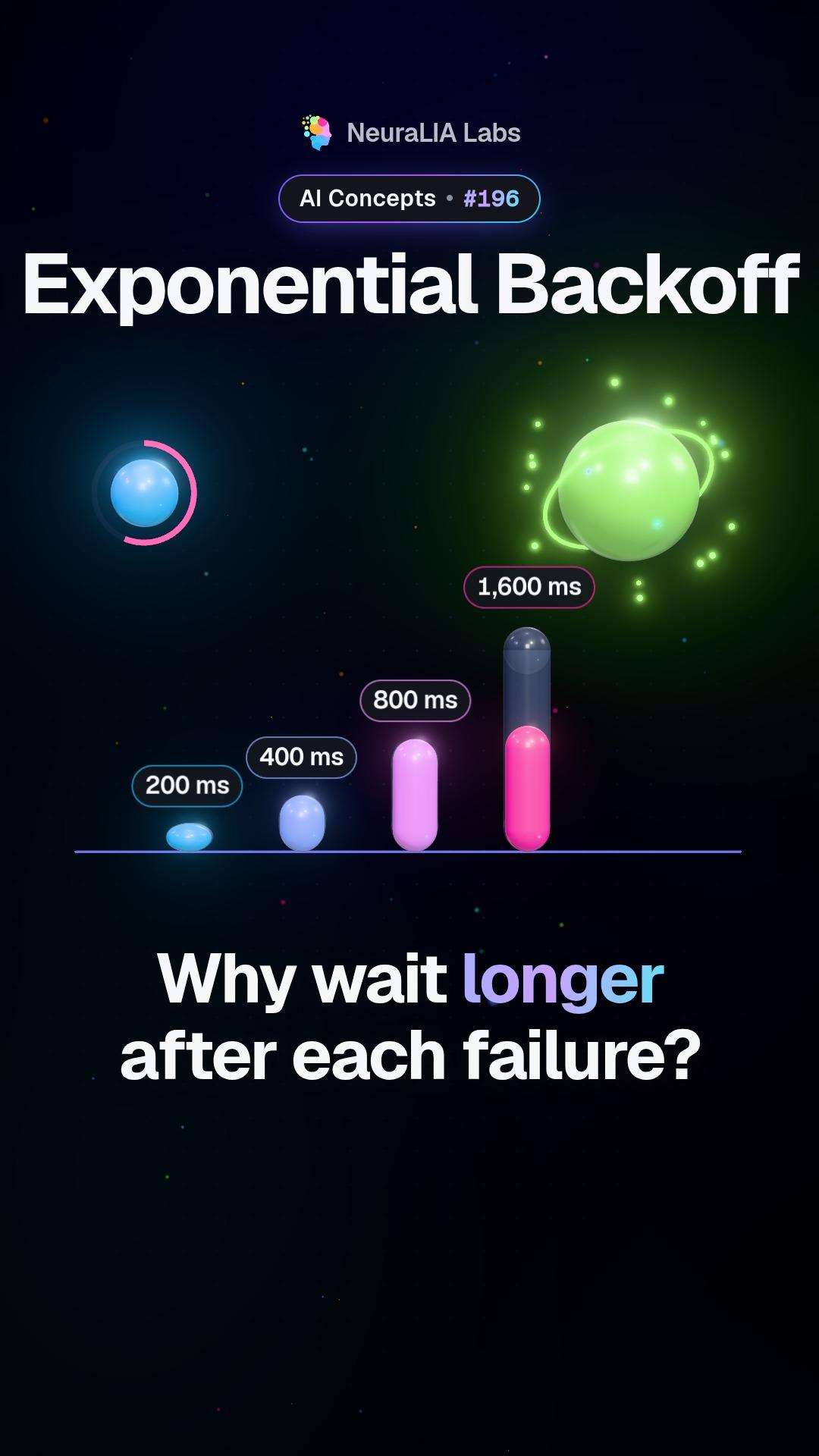
Exponential backoff: why a retry should wait twice as long each time
 #197
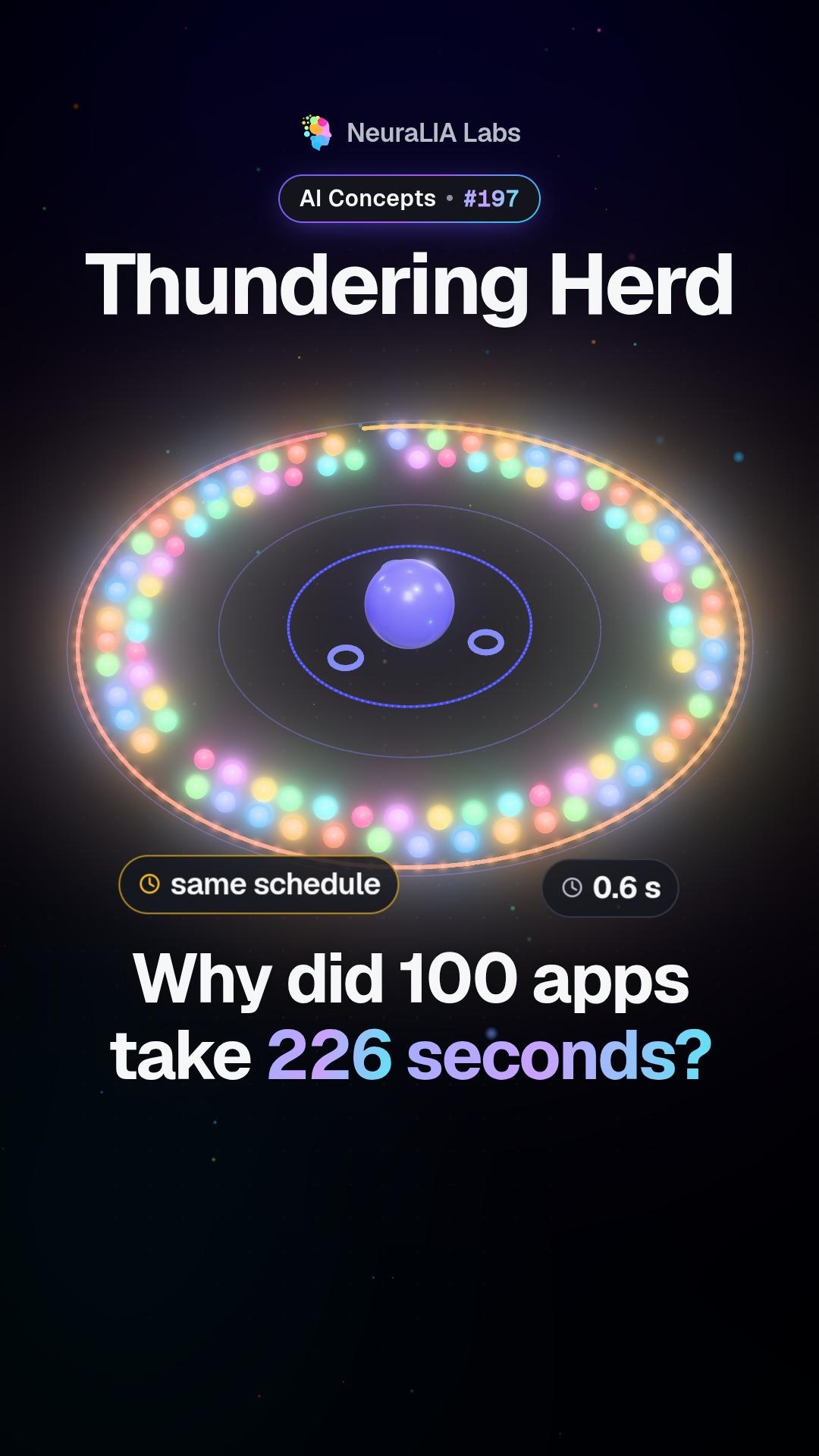
Thundering herd: when retrying apps move in lockstep and jam a server
كُتب النص بمساعدة الذكاء الاصطناعي استنادًا إلى الفصل 14 من دورتنا المجانية.